Changing your password signs you out
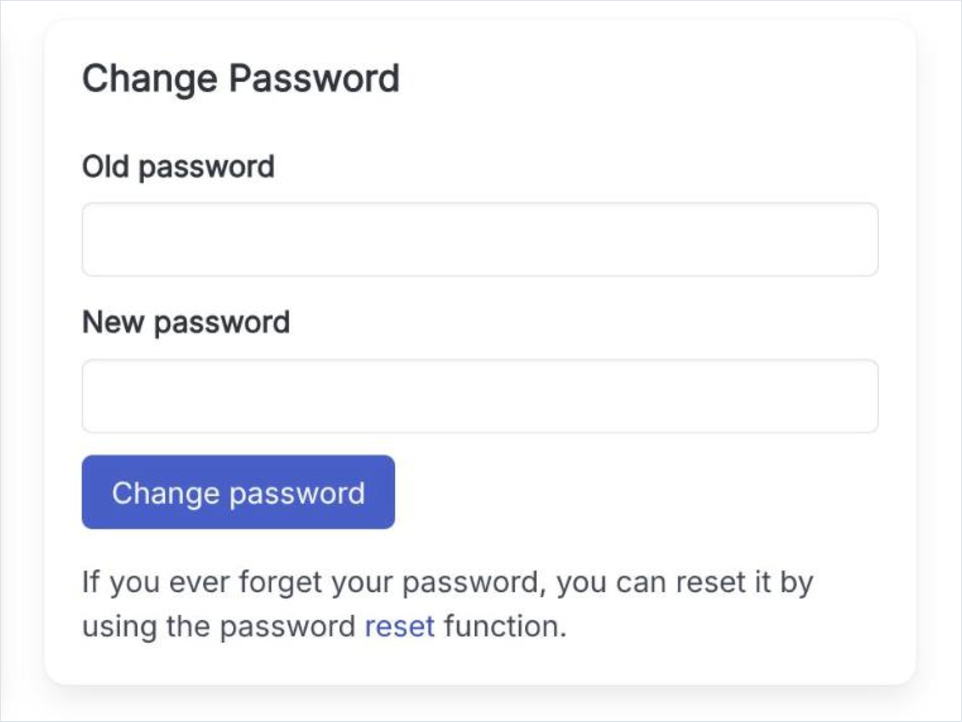
After a successful change the site asks you to log in again with the new password. That is deliberate: logging back in is the confirmation that the new password works.
The parts of the settings page that concern the account itself rather than what other people see: your password, the language you are greeted in, and whatever the installed plugins add.
Click your name in the top bar and choose Settings and Privacy. The right column holds Change Password and, when a plugin provides one, Account Actions. Language is the exception - it is set on My profile, not here.
Open the reset form
The hint under Change Password links to it, and the login page carries the same link. You do not need to be signed in to use it.
Enter your email address
Give the address you registered with and solve the captcha. An email with a reset link follows.
Choose a new password
The link in the email opens a form for the new password. From that point the old one no longer works.